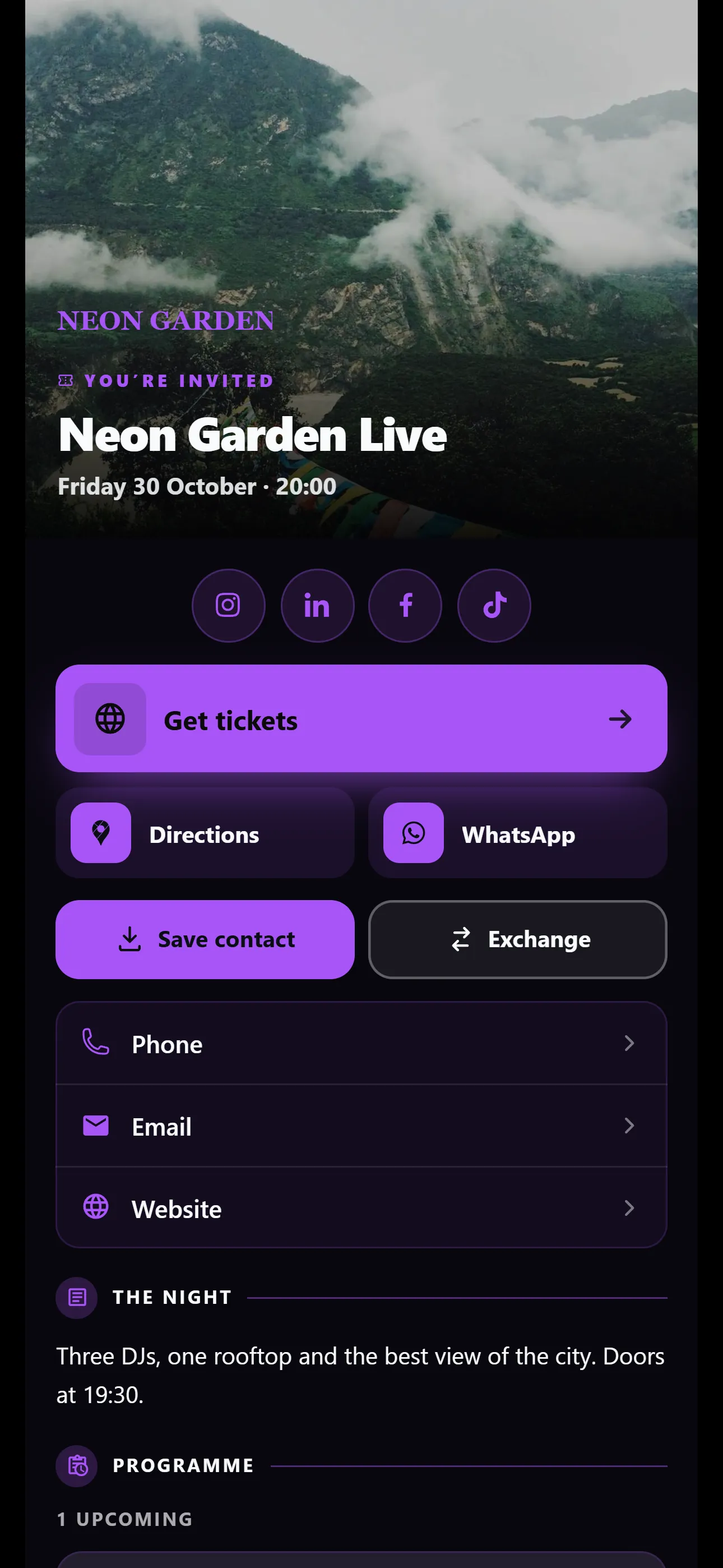
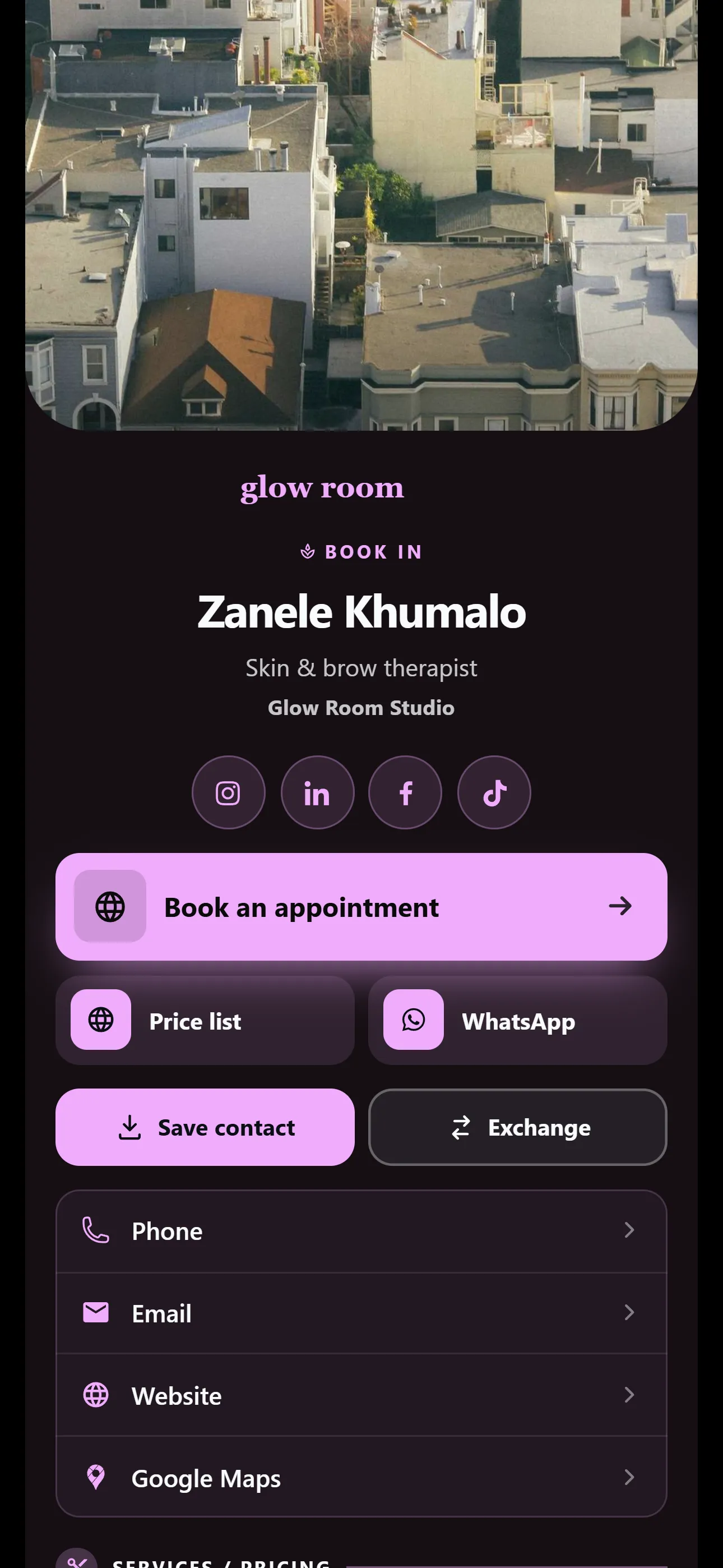
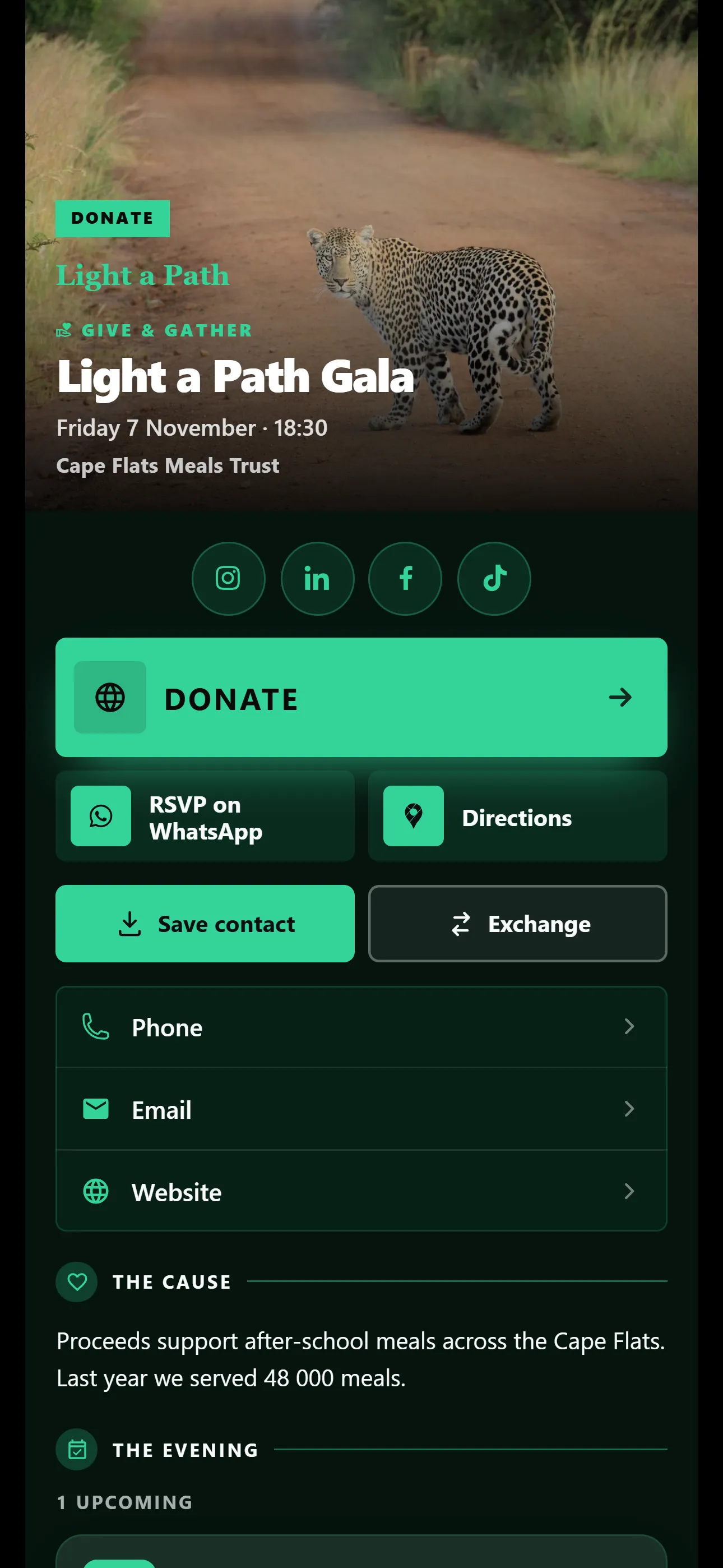
Invite people by email
Type one email address or paste a whole list. Every invite also has an Invite QR, so a new person can scan it to join.
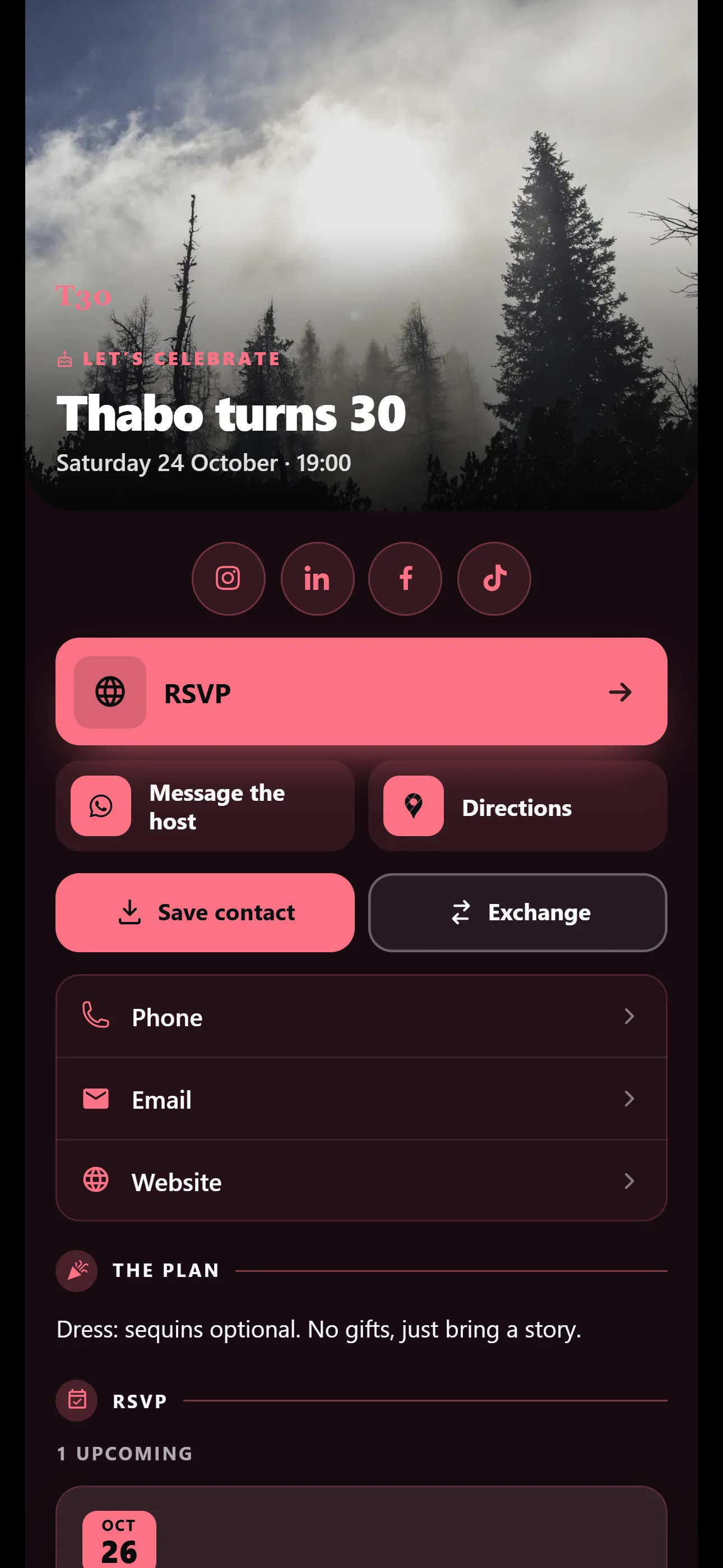
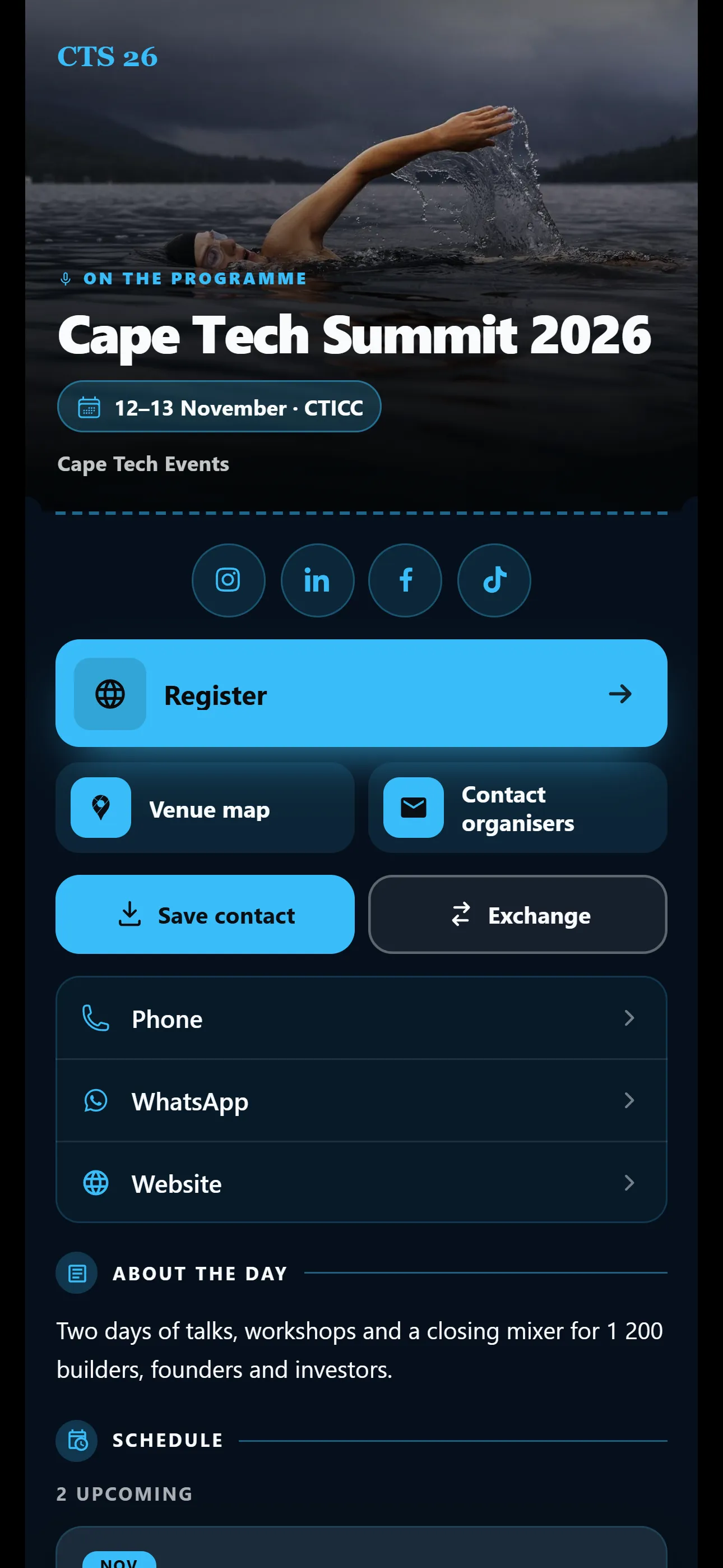
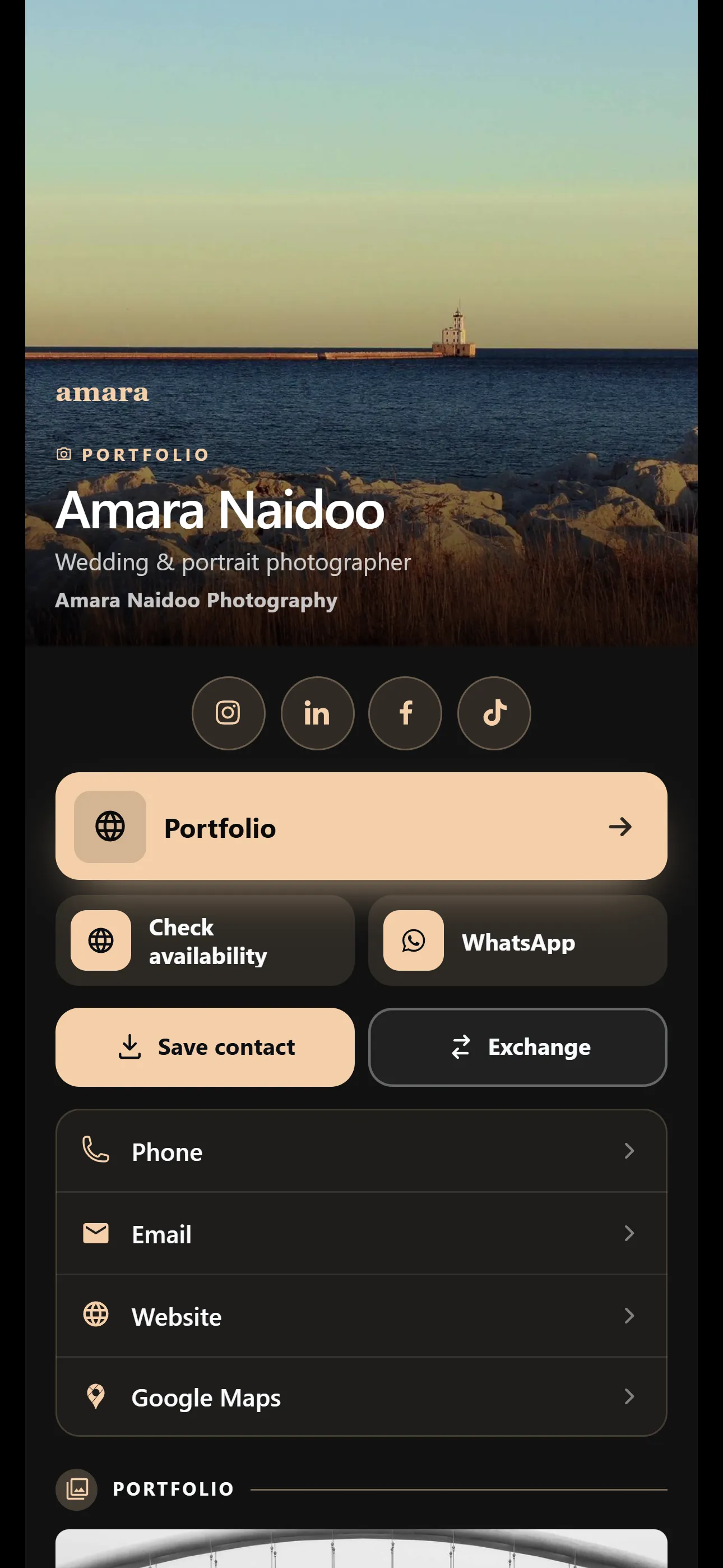
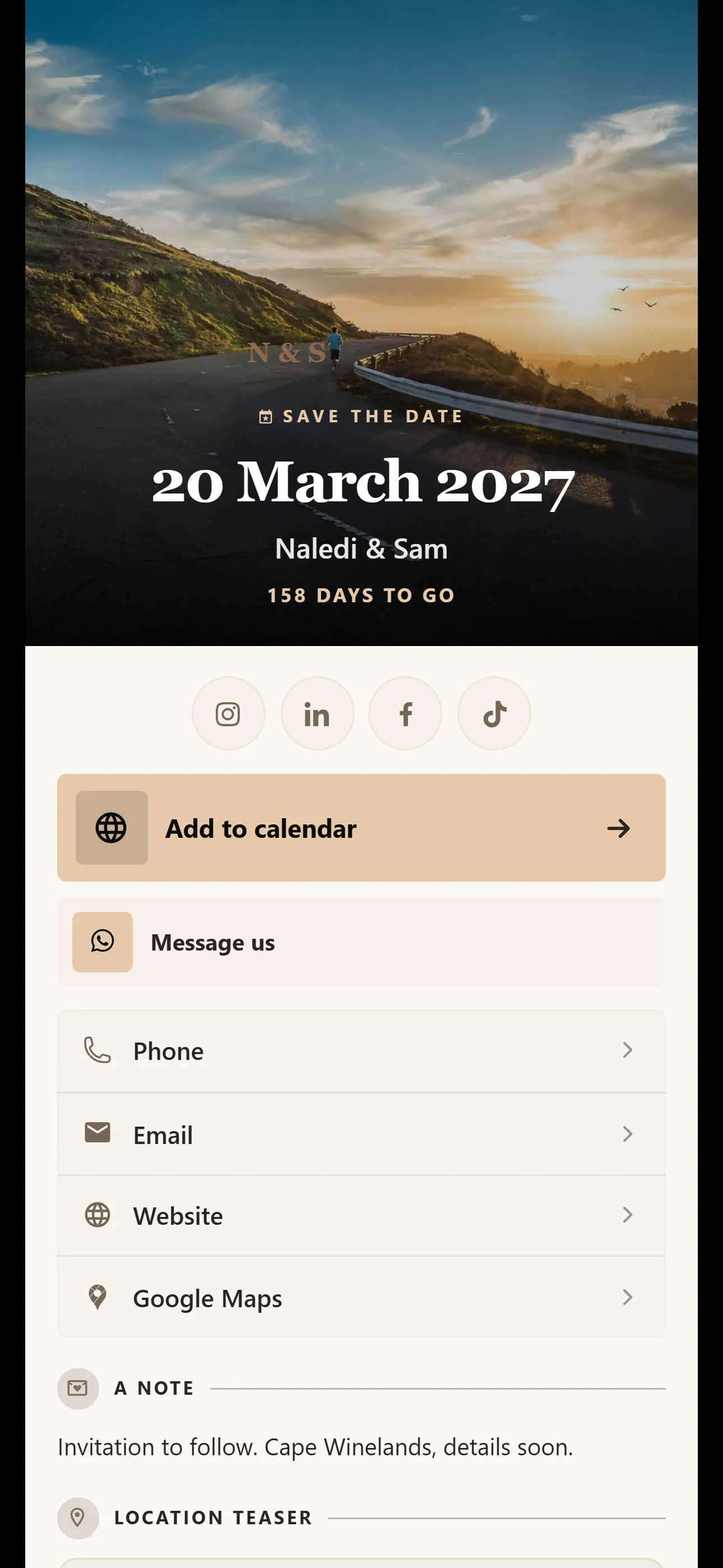
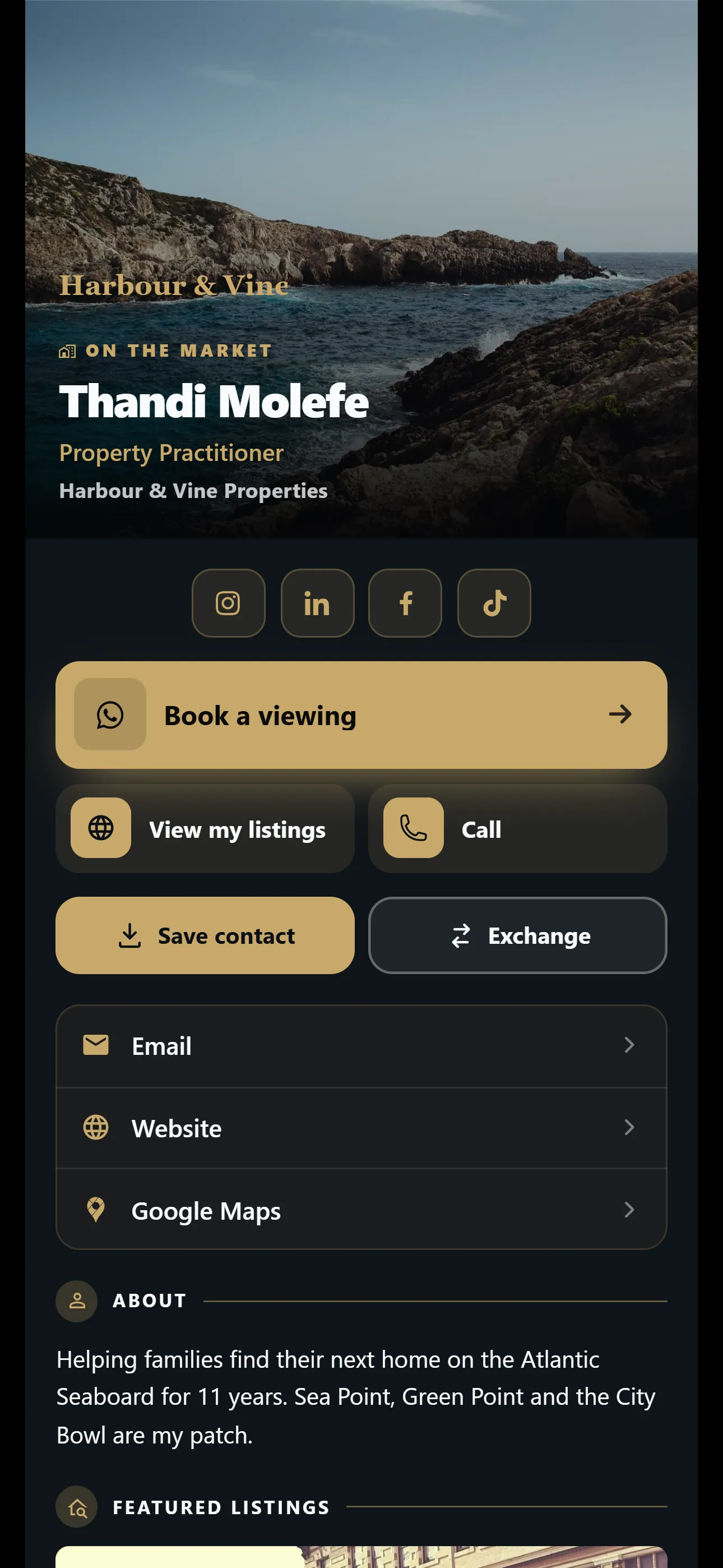
Give each person their own card, in your company’s look. Invite your team by email, look after every card from one place and pay per card.
Pro free for 2 months on up to 5 cards. No credit card needed. Nobody is charged when it ends. Basic is R50 and Pro R150 per card a month. Pay monthly or yearly.
It all happens in the Company Dashboard, in your browser. Nobody on your team needs IT help, and the people they meet don’t need an app.
Choose Company when you sign up, and type the name people will see on your cards.
Under Brand, add your logo and pick a template and colours for every card.
Add people by email on the People page, or paste a whole list at once.
Each person shares their own card on WhatsApp, by QR code or as a link.
Your cards should look like they come from the same business. Set your brand once under Brand, and the whole team’s cards match it.
On Basic and Pro
Invite people, choose what each person can do and look after their cards, all from People, the team list in your Company Dashboard. It is on Basic and Pro.
Type one email address or paste a whole list. Every invite also has an Invite QR, so a new person can scan it to join.
Open anyone to edit their card, download their PDF card or send them a password reset. When someone leaves, pause their card or replace them with the new person.
On Basic and Pro
Under Brand, switch on the sections the whole team should show. Set each one up once and it appears on every employee card.
On Basic and Pro
Company events: 3 on Basic, 10 on Pro.
Your team’s cards collect followers and leads from the people who open them. Here is where they go.
People can follow any card on your team, by email or phone notification. Company updates and newsletters reach everyone who follows any of your cards, and someone who follows two cards gets it once.
On Basic and Pro
Company newsletters: 2 a month on Basic, 8 on Pro.
When a visitor sends their details from a card, the lead lands in that person’s Leads list, ready to follow up or export to CSV. As an admin, you see the latest leads from across the company on the Overview.
On every plan, Free included
On Pro, company statistics show how many people opened your team’s cards, where they found them and how each card compares.
Export the view you are looking at to CSV or PDF. Statistics count card views, so they show how many people opened a card, not who they were or which buttons they tapped.
On Pro
Each person with a card uses one seat. Managers don’t have a card, so they don’t use one. Choose how many cards you need and change it later.
From 1 to 500 cards. Add more later in Billing.
Basic
R250 a month
5 × R50 a month
R2,500 a year
5 × R500 a year
Pro
R750 a month
5 × R150 a month
R7,500 a year
5 × R1,500 a year
25% off your first 12 paid months with LAUNCH25
Prices in South African rand, per card, before any discount.
Sign up now and get Pro free for 2 months on up to 5 cards. No credit card needed. When the 2 months end, nobody is charged: your team’s cards pause until you choose a plan. If you continue on Free instead, only your own card comes back.
For new sign-ups and Free accounts, until 30 November. During the trial the AI tools have Basic’s monthly allowances.
Try VisionLink on the Free plan with one card. When you are ready to bring in your team, move to Basic or Pro and invite them from People.
Straight answers about seats, roles, leads and paying for a team.
Ask us on WhatsAppYou pay per card, and each person has one card. Basic is R50 per card a month or R500 a year. Pro is R150 per card a month or R1,500 a year. A team of 5 pays R250 a month on Basic, or R750 a month on Pro.
Choose anything from 1 to 500 cards when you sign up for Basic or Pro. Later you can add more cards, or remove the ones you no longer need, in Billing.
Basic or Pro. Both include People, the company-wide look and the company sections. Pro adds company statistics, lets you turn off “Powered by VisionLink” on your cards and gives you more room, such as 10 company events instead of 3 and 8 newsletters a month instead of 2.
No. Users and Admins each have a card. A Manager has admin rights but no card, so they don’t use a seat.
Pause their card and it stops showing their contact details. When their replacement starts, use Replace person in People to put the new person on that seat.
You decide, person by person. With Allow personalisation on, they can change their card’s template and colours. With it off, their card stays locked to your company branding.
Yes. Admins and Managers can open anyone in People to edit their card, pause it, send them a password reset or download their PDF card.
Each lead goes to the Leads list of the person whose card it came from, and they can export their list to CSV. Admins see the latest leads from across the company on the Overview. There is no shared lead inbox, company-wide export or CRM integration.
Per person. On Basic, each person gets 10 card scans and 25 card assistant messages a month. On Pro, each person gets 40 scans and 80 messages a month.
Yes, on a yearly plan. Choose Email a checkout link and a Paystack payment link goes to your finance team. Monthly plans are paid by debit or credit card.
Set your company look once, invite your team by email and pay per card. Questions first? Chat to us on WhatsApp.
No credit card needed. Nobody is charged when it ends. Free for one card. No credit card needed.