Leads from your card
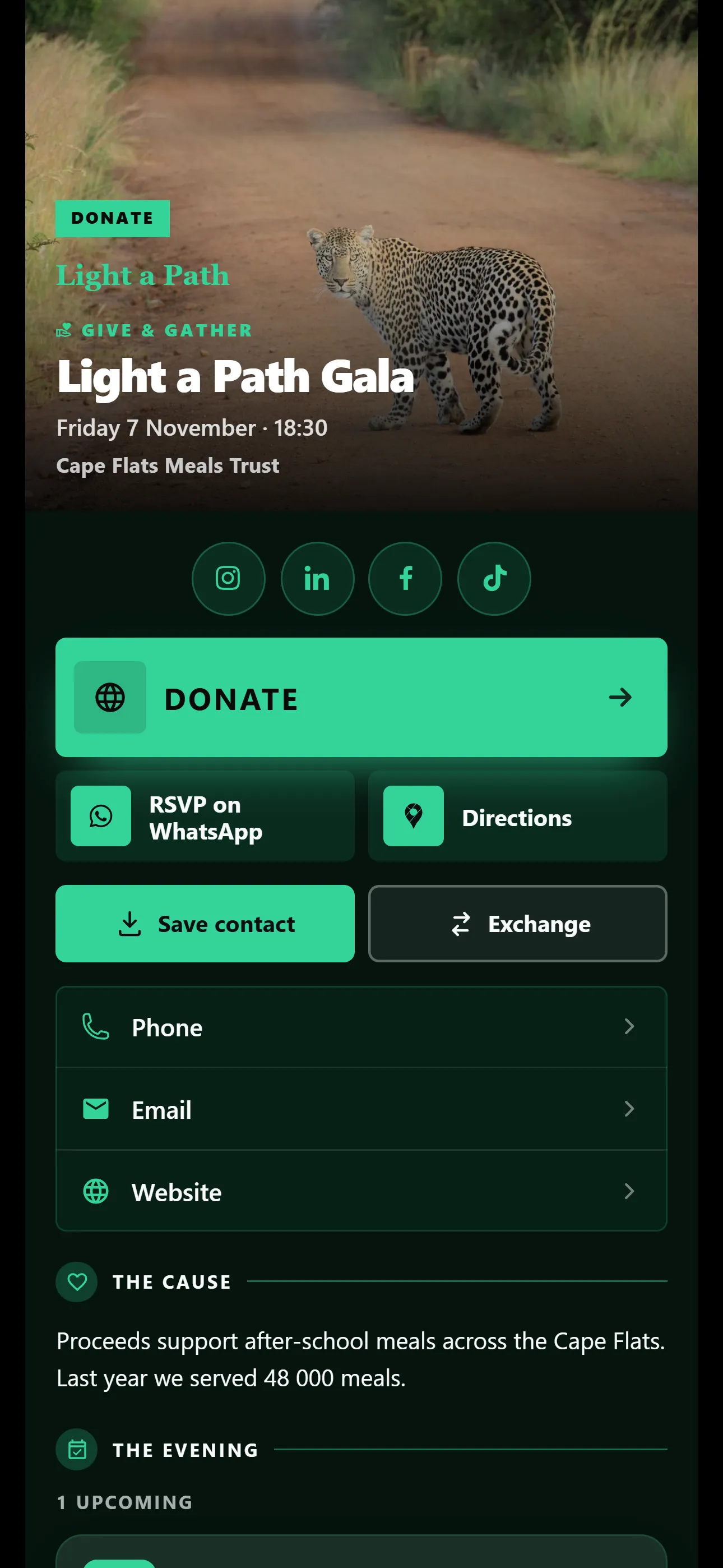
Someone planning a function taps Exchange and sends you their details. They land in Leads, ready for a call back, and you can export them to CSV.
On every plan, Free included
Put Book a table, your menu, directions and your phone number on one link. Print the QR code on the bill and the menu.
The Pro trial includes the Restaurant template. No credit card needed. Nobody is charged when it ends. Free for one card. No credit card needed. The Restaurant template is on Basic and Pro.
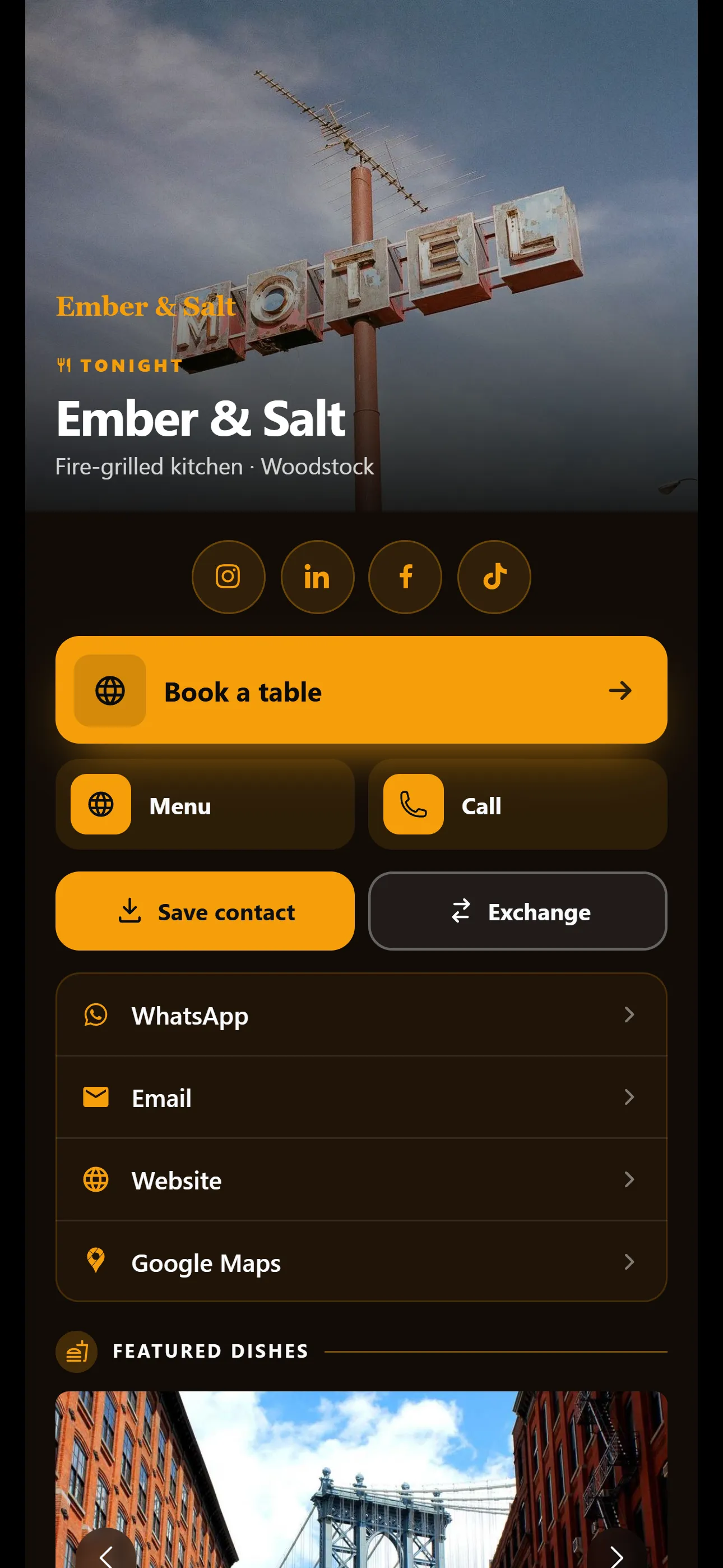
The Restaurant template opens with a dish, then your menu, specials, hours and directions.
The Restaurant template is on Basic and Pro
Add your Dineplan or OpenTable link and it becomes the Book a table button. Guests can book their next visit before they leave.
Upload your menu as a PDF or link to it. When prices or specials change, swap it, and the QR code stays the same.
A Google Maps button gets first-time guests to your door.
All three steps happen in the dashboard, on your phone or computer.
You’ll find it under Industry in the template picker. Industry templates are on Basic and Pro. A free card can’t switch template: new ones start on Classic, with 6 colour schemes.
Fill in your name, photo and buttons yourself. Or, on Basic and Pro, give the card assistant your website and let it draft your card. Nothing saves until you tap Apply.
Send it on WhatsApp, show your QR code or paste your link anywhere. Nobody needs an app to open it.
Your card keeps working after you share it. Each feature shows which plans include it.
Someone planning a function taps Exchange and sends you their details. They land in Leads, ready for a call back, and you can export them to CSV.
On every plan, Free included
See how many people opened your card, how many were new and which cities they were in. Scans of your QR code show as their own source.
On Pro
Regulars can follow your card. Tell them about tonight’s special with an update, or send a monthly newsletter.
On Basic and Pro
More than one branch? Set your logo and colours once and every manager’s card matches.
On Basic and Pro
VisionLink for teamsShort answers before you start. If yours isn’t here, ask us.
Ask us on WhatsAppNo. Your QR code opens your card, and your card shows your current menu. Swap the menu file or link whenever you like.
Yes, on Basic and Pro. Turn on Business hours under Brand in your Company Dashboard and set your hours once. They show on your card.
Yes. On Basic and Pro, post a Story with a photo or a short clip. It shows on your card for 24 hours and then disappears.
No. Any phone camera opens your card in the browser.
Basic or Pro. Basic is R50 and Pro is R150 per card a month, or R500 and R1,500 a year. A free card can’t change template: new free cards start on Classic, with 6 colour schemes.
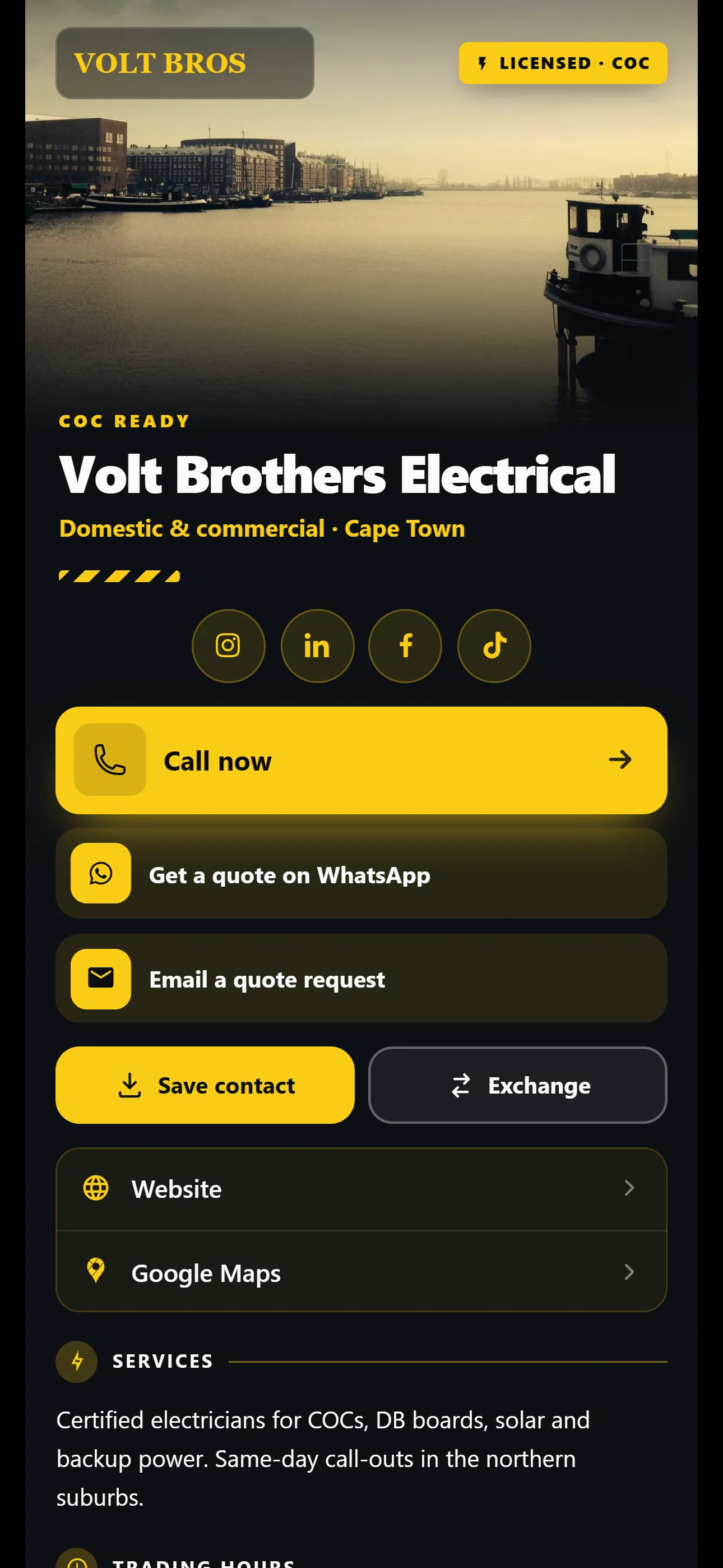
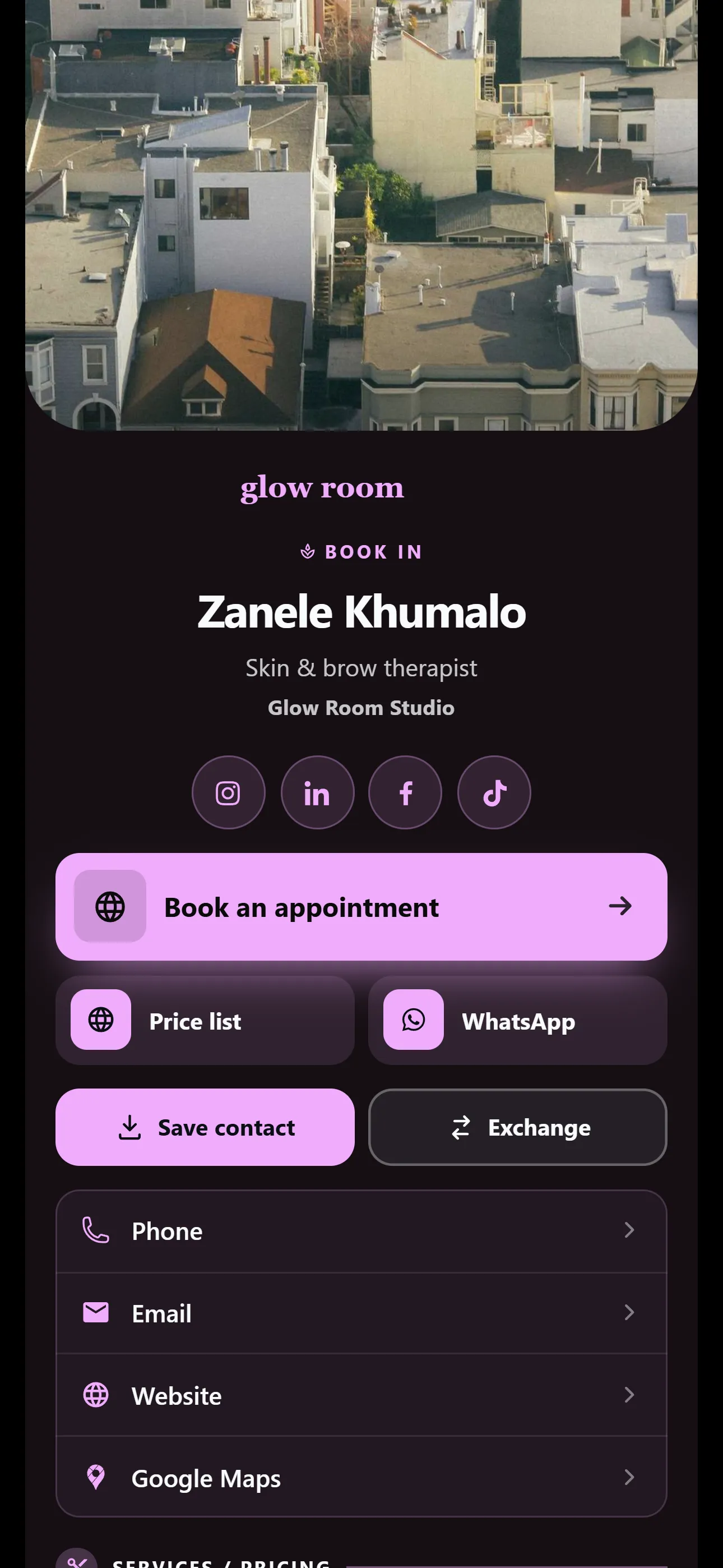
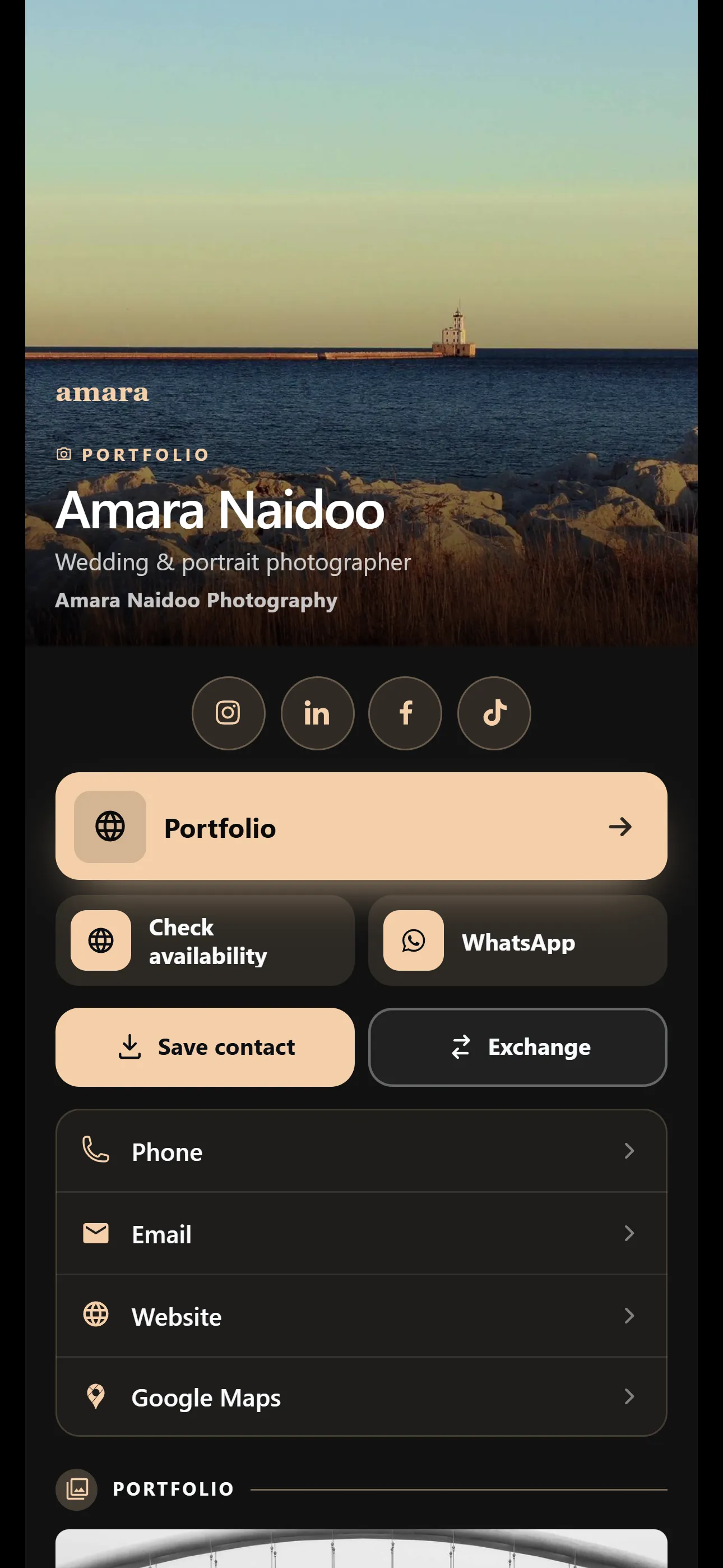
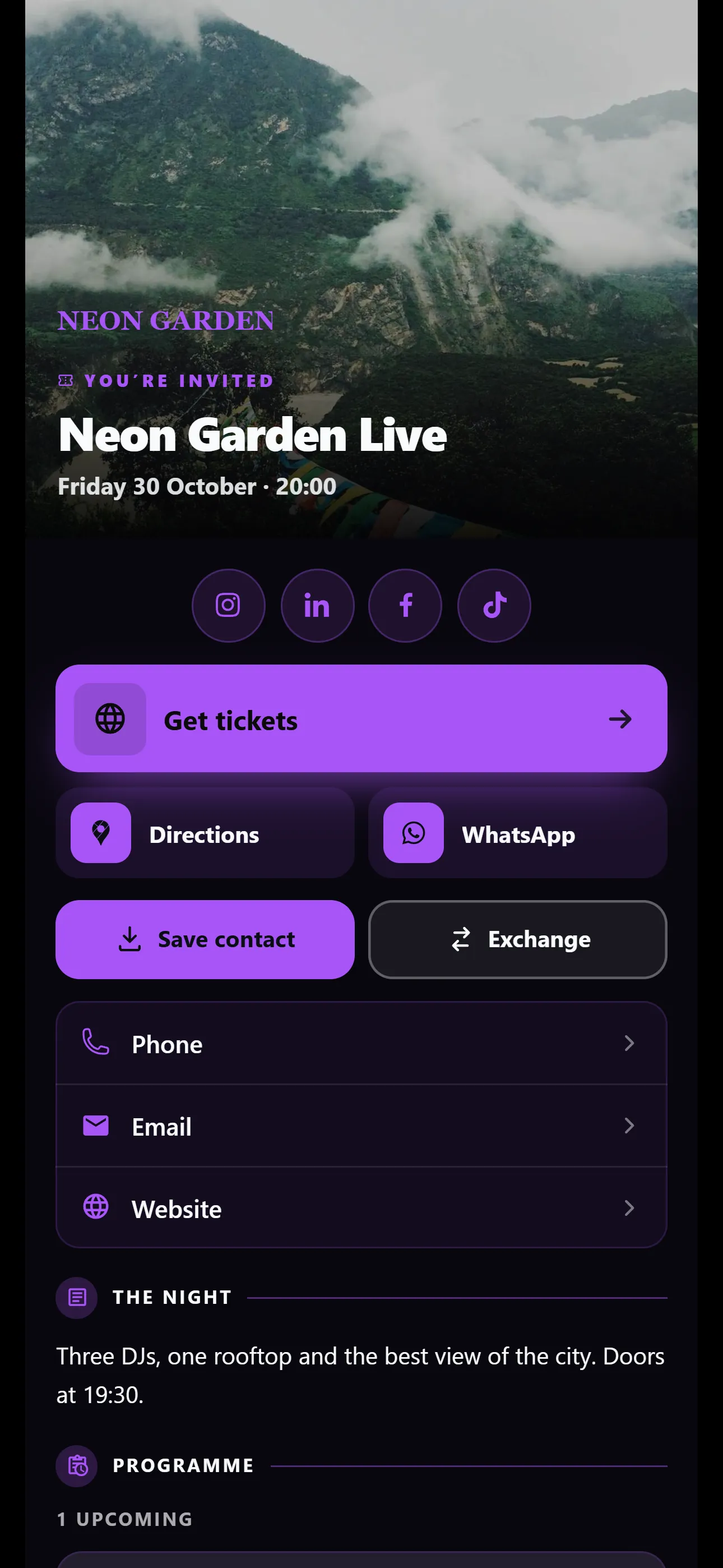
Set up your card today and send it to your next customer. The Restaurant template is on Basic and Pro.
No credit card needed. Nobody is charged when it ends. Free for one card. No credit card needed.