Leads from your card
Guests and sponsors can tap Exchange and send you their details. They land in Leads, and you can export them to CSV.
On every plan, Free included
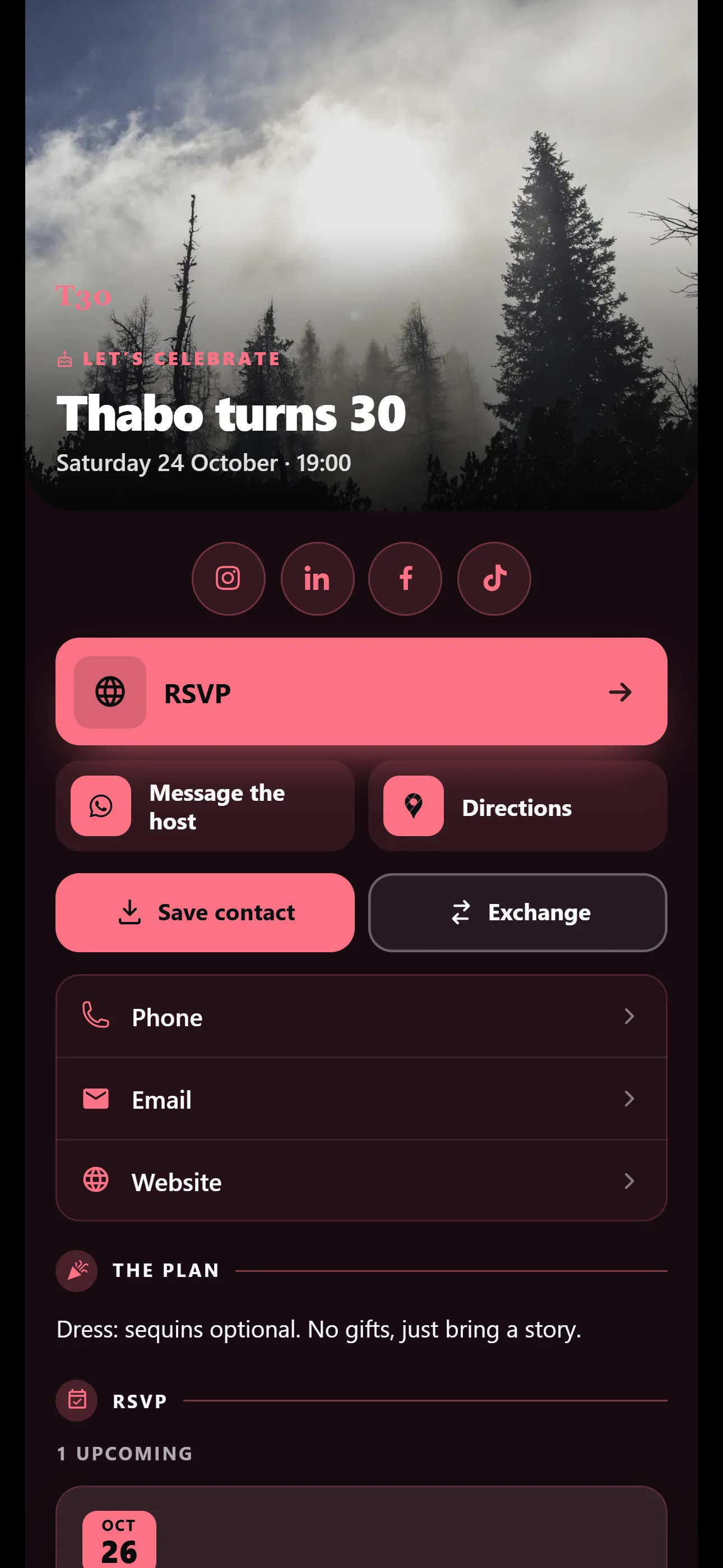
Weddings, birthdays, conferences and fundraisers. Send one link with the RSVP, tickets, directions and the programme, and update it when plans change.
The Pro trial includes every Occasion template. No credit card needed. Nobody is charged when it ends. Free for one card with one event. No credit card needed. Occasion templates are on Basic and Pro.
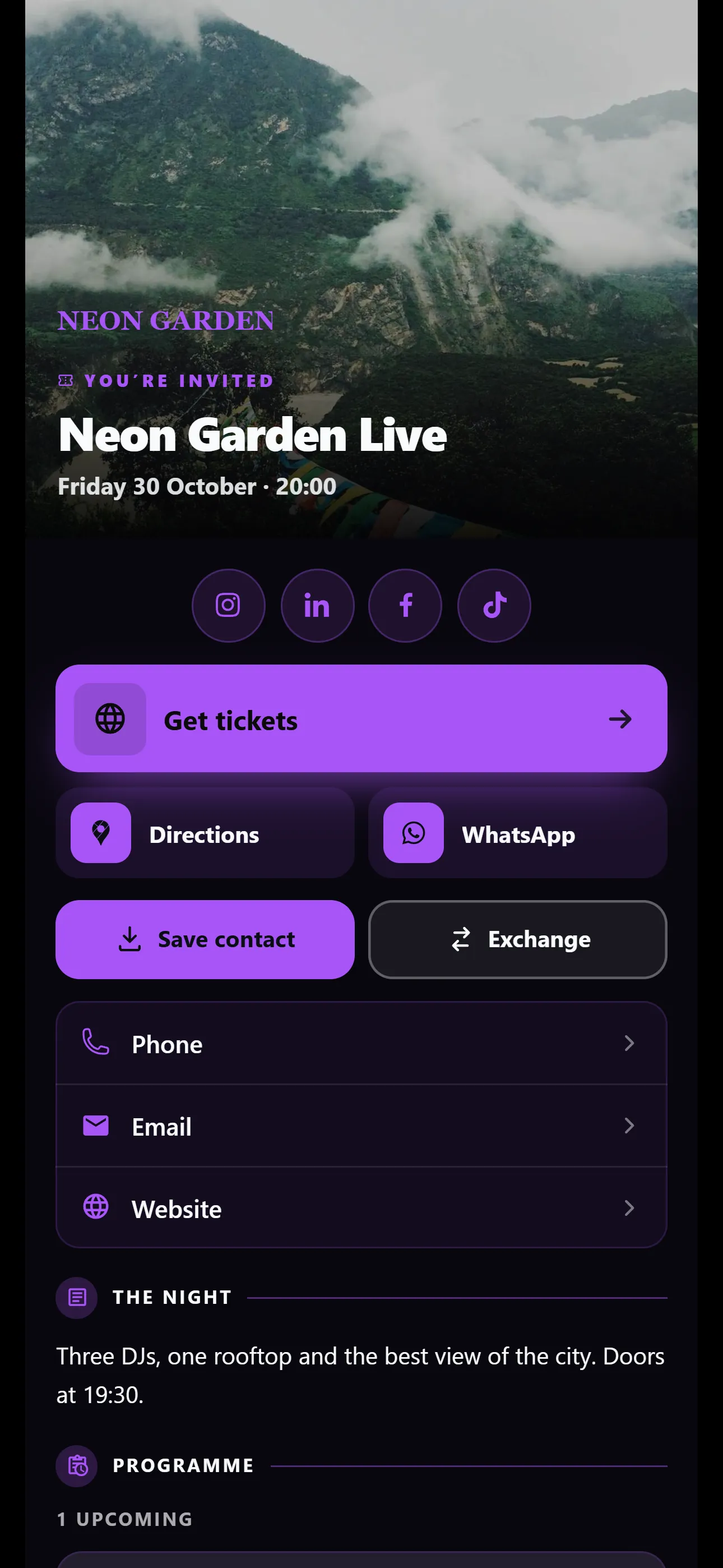
The Event Night template starts with where, when and how to get in. Tickets, directions and WhatsApp sit right below.
Occasion templates are on Basic and Pro
Guests RSVP from your card and say if they are bringing anyone. Set a capacity and the card shows late guests that the event is full.
Move the venue or the time and every guest who opens the link sees the update.
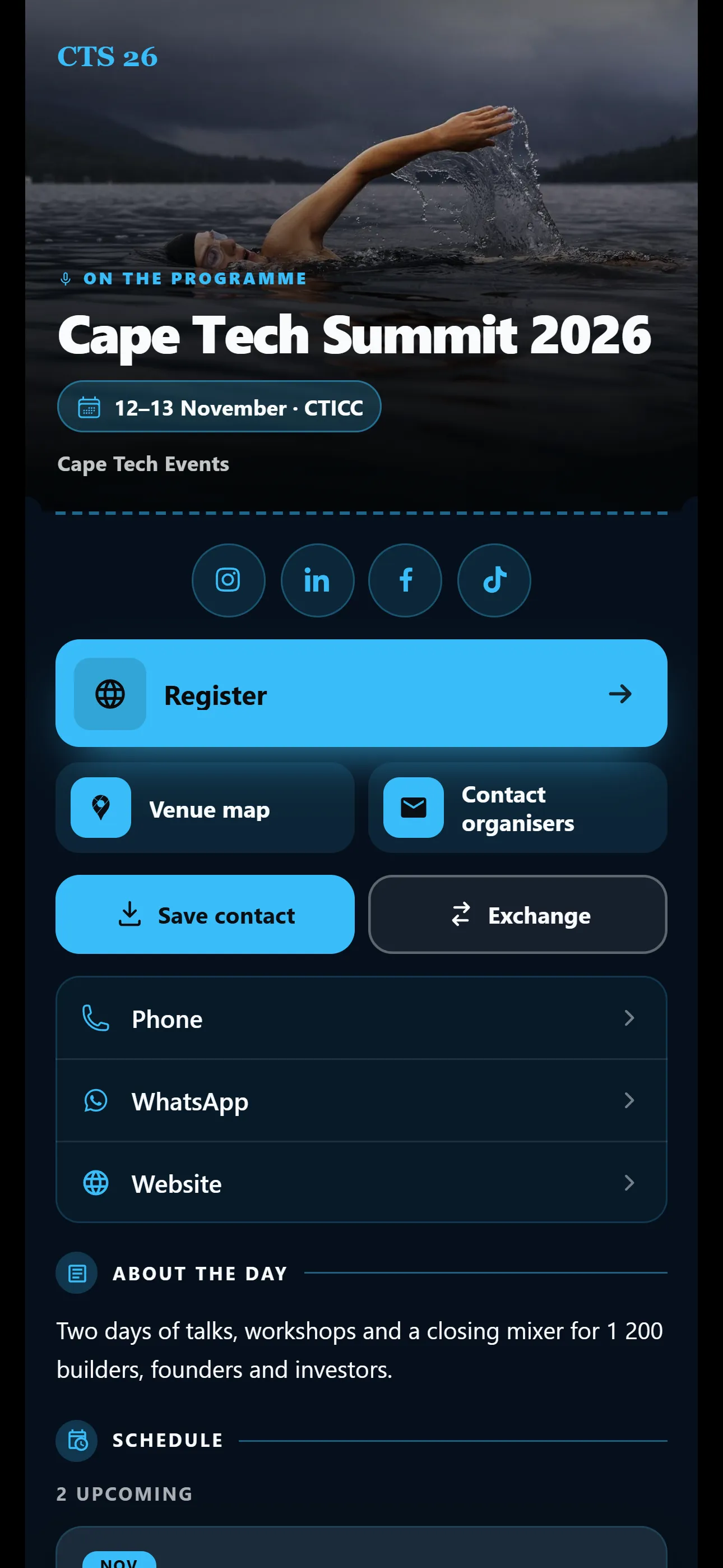
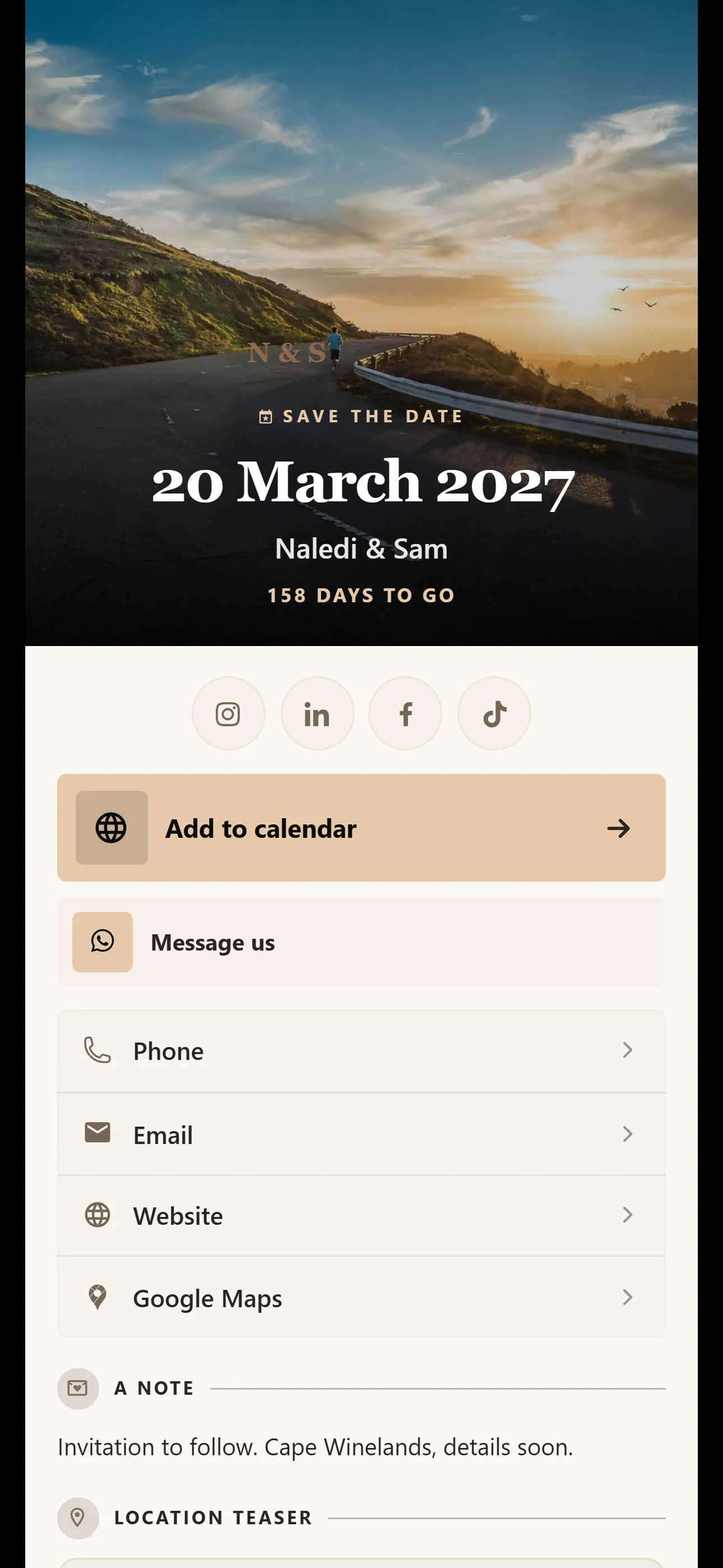
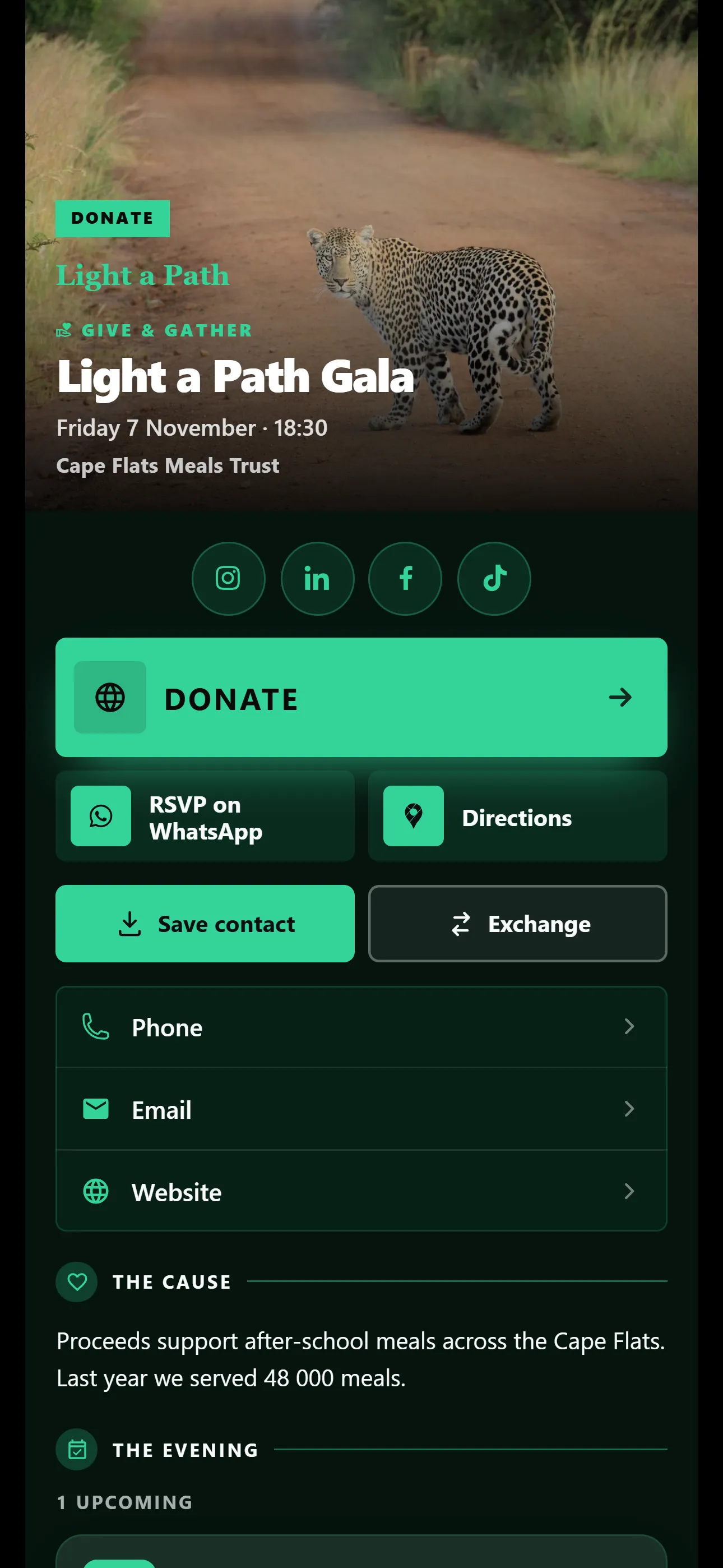
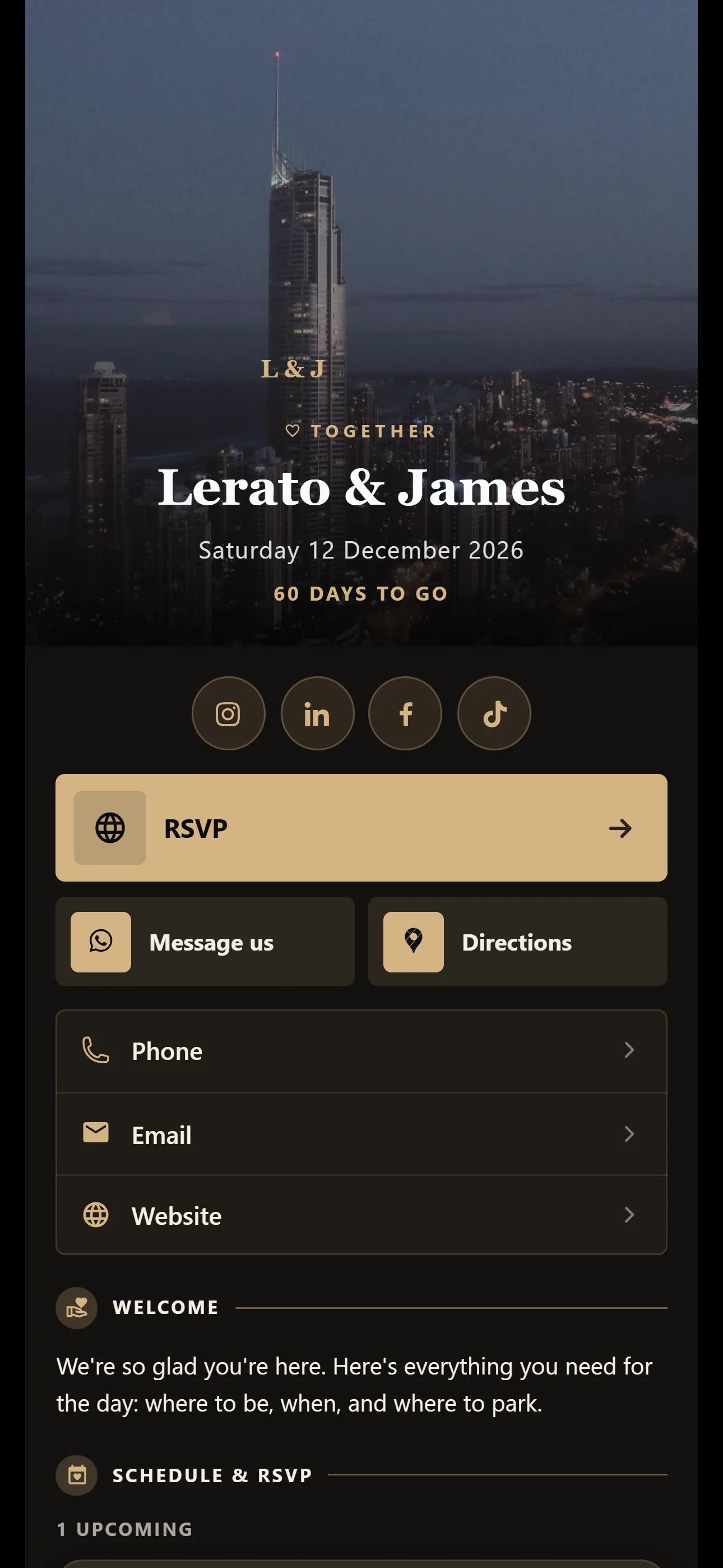
Templates for weddings, save the dates, birthdays, conferences, fundraisers, memorials and nights out.
All three steps happen in the dashboard, on your phone or computer.
Choose from Wedding Welcome, Event Night, Birthday Celebration, Conference, Save the Date, Fundraiser and Memorial. Occasion templates are on Basic and Pro.
Add the date, the venue and your buttons yourself. Or, on Basic and Pro, give the card assistant a website and let it draft the card. Nothing saves until you tap Apply.
Send it on WhatsApp, print the QR code on the invitation or paste the link anywhere. Guests don’t need an app.
Your card keeps working after you share it. Each feature shows which plans include it.
Guests and sponsors can tap Exchange and send you their details. They land in Leads, and you can export them to CSV.
On every plan, Free included
See how many people opened your invitation, how many were new and which cities they were in. Scans of your QR code show as their own source.
On Pro
Guests can follow your card. Send an update when the time changes, or a newsletter before your next event.
On Basic and Pro
Running events for a company? Set its logo and colours once, and add company events that show on every card in the team.
On Basic and Pro
VisionLink for teamsShort answers before you start. If yours isn’t here, ask us.
Ask us on WhatsAppYes. Guests can save the event to their phone’s calendar straight from your card.
No. Guests open your card in their browser. Only you need an account.
Tickets are sold through your ticketing service. Add your Quicket, Webtickets or Eventbrite link to your card and guests buy there.
Yes. Set a capacity for the event. Once it is reached, the card shows that the event is full.
Yes. You can export your RSVPs to a CSV file and open it in Excel or Google Sheets.
One event on Free, 3 on Basic and 10 on Pro. Occasion templates such as Wedding Welcome and Event Night are on Basic and Pro. A free card can’t change template: new free cards start on Classic, with 6 colour schemes.
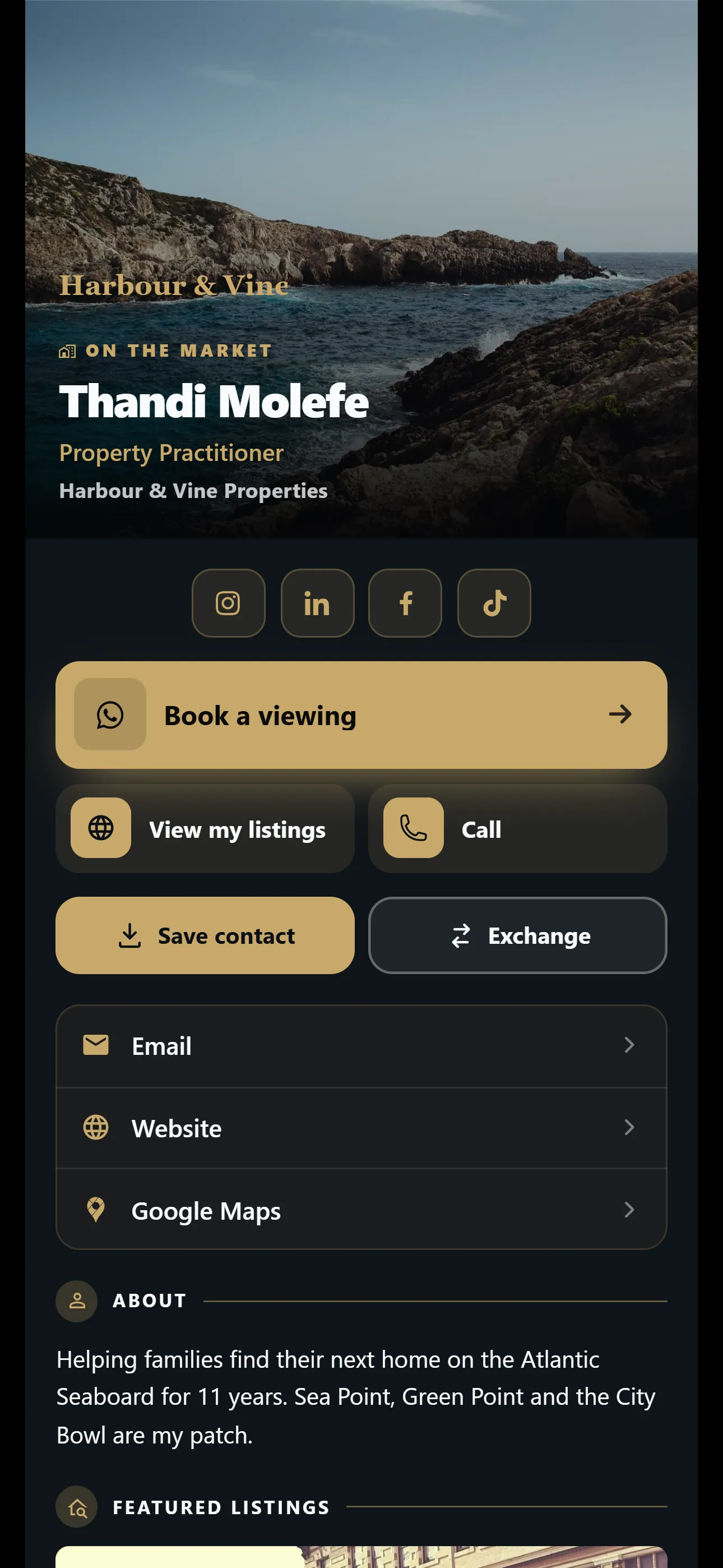
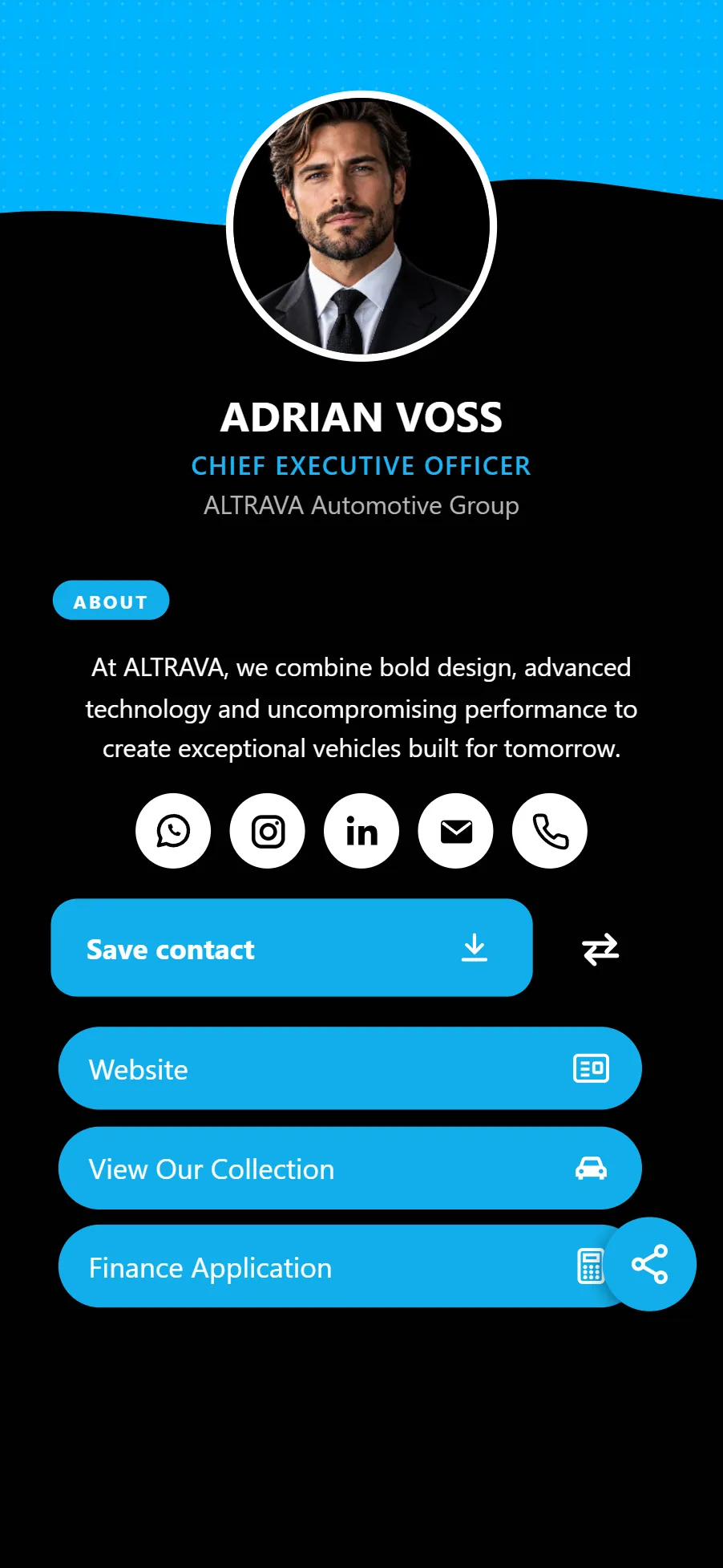
Set up your event card today and send it to your guests. Occasion templates are on Basic and Pro.
No credit card needed. Nobody is charged when it ends. Free for one card. No credit card needed.